Detection rules
Sigma rules
Manage Sigma rules and run behavioral hunts against Windows and Linux log sources.
Sigma describes attacker behavior in log data. SpearX applies Sigma rules to supported Windows and Linux log sources through the same scan workflow used for YARA.
Rule management
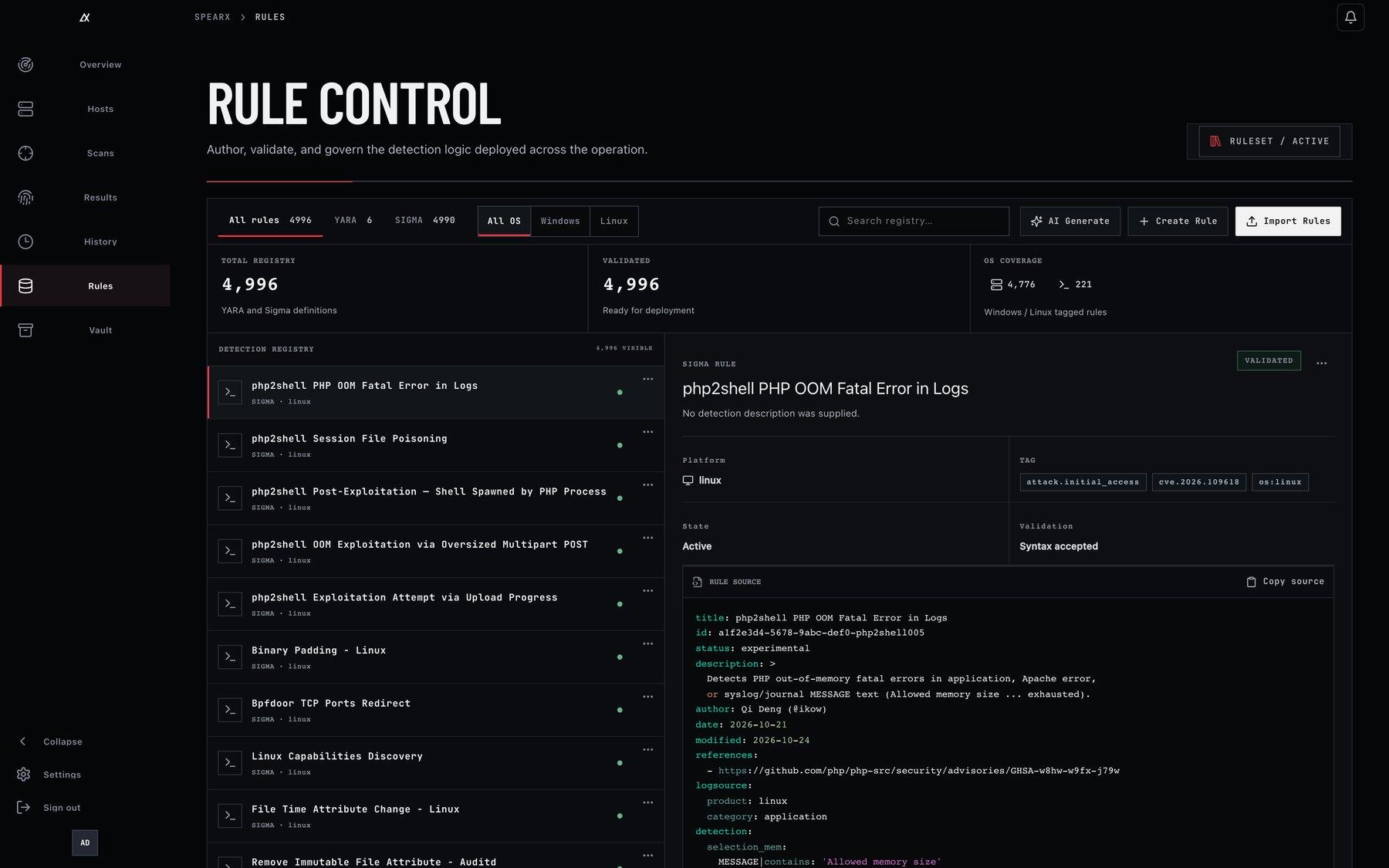
- Filter by Sigma, Windows, Linux, tags, or search terms.
- Review rule state, validation result, source, and platform.
- Create rules in the editor.
- Import
.yml,.yaml, or ZIP content. - Copy or download source from rule context.
Hunt configuration
- Select Sigma (Event Logs).
- Choose rule states such as Stable, Test, Experimental, Deprecated, or Unsupported only when appropriate for the campaign.
- Select individual rules or a reviewed set.
- Select Windows, Linux, or mixed targets.
- Confirm the required log sources exist and are readable.
- Start the scan and monitor History.
Interpretation
A Sigma match is a detection lead, not proof of compromise. Review the event fields, source, time, host role, surrounding activity, rule quality, and known administrative behavior before assigning a verdict.
Use scoped Results from History when comparing a tuned re-test with the original hunt.